















Comment ça fonctionne?
- 1 • Publiez votre projet gratuitement
- 2 • Recevez des offres de travail
- 3 • Choisissez votre freelance
- 4 • Echangez par rapport à vos préférences
- 5 • Payez le freelance et recevez votre prestation. Vous êtes satisfait.


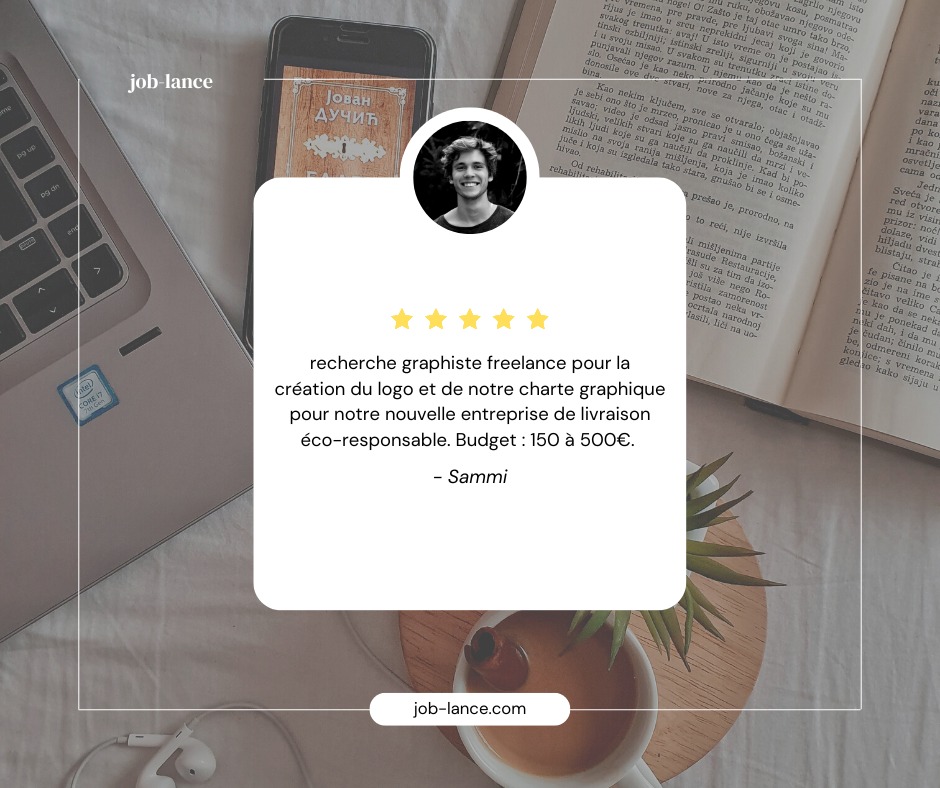
La recherche de free-lance est une tâche fastidieuse que Job-Lance vous épargne. Vous déposez simplement votre projet en quelques clics et des professionnels vous envoient leurs tarifs. Grâce à Job-Lance, vous pouvez attribuer votre temps à ce qui vous fait gagner de l'argent ou plus humainement, à vos proches. Notre philosophie est de vous accompagner dans cette tâche ingrate qu'est la recherche de pro. Nous les rassemblons au même endroit, juste pour vous..






Les free-lances sont à portée de clics:
Gratuit
Je dépose mon projet
- Simple & Rapide
- Messagerie directe
- Support Technique



Qui sont les créateurs de Job-Lance ?

Florent
Directeur Exécutif
34 ans et déjà plein d'ambitions. 2 ans dans le copywriting et directeur de sa propre agence dans le domaine sportif. Florent veut le meilleur pour ses clients et met tout en œuvre pour leur apporter satisfaction. Il s'associe à Bruno et ils forment un duo au top pour Job-lance afin de proposer aux Free-lances, la meilleure expérience pour trouver des missions.

Bruno
Directeur Web
40 ans à peine, autant dire que ce n'est que le début de la vie. 20 ans d'expertise dans le commerce physique et digital. 30 ans d'expérience (et oui, à partir de 10 ans) dans le domaine du web et du marketing digital. Bruno apporte toutes ses compétences à votre service afin de vous proposer une expérience utilisateur hors du commun, sans prise de tête et de manière honnête. Il a fondé en 2022, sa première société en tant que concepteur, créateur et copywriter pour le web. Il étend avec Job-Lance, ses compétences et participe à la vie de la plateforme.
Mises en Avant
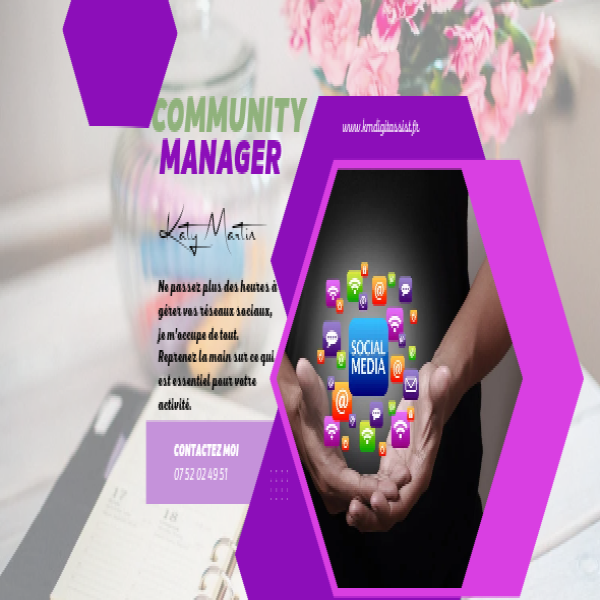

Création et gestion de contenus

Page de vente

Site web vitrine
Tunnel de vente


création graphique